·Blog
Your custody schedule, in the calendar you already use
Subscribe once, and your parenting time shows up in Google, Apple, or Outlook, and stays up to date when plans change.
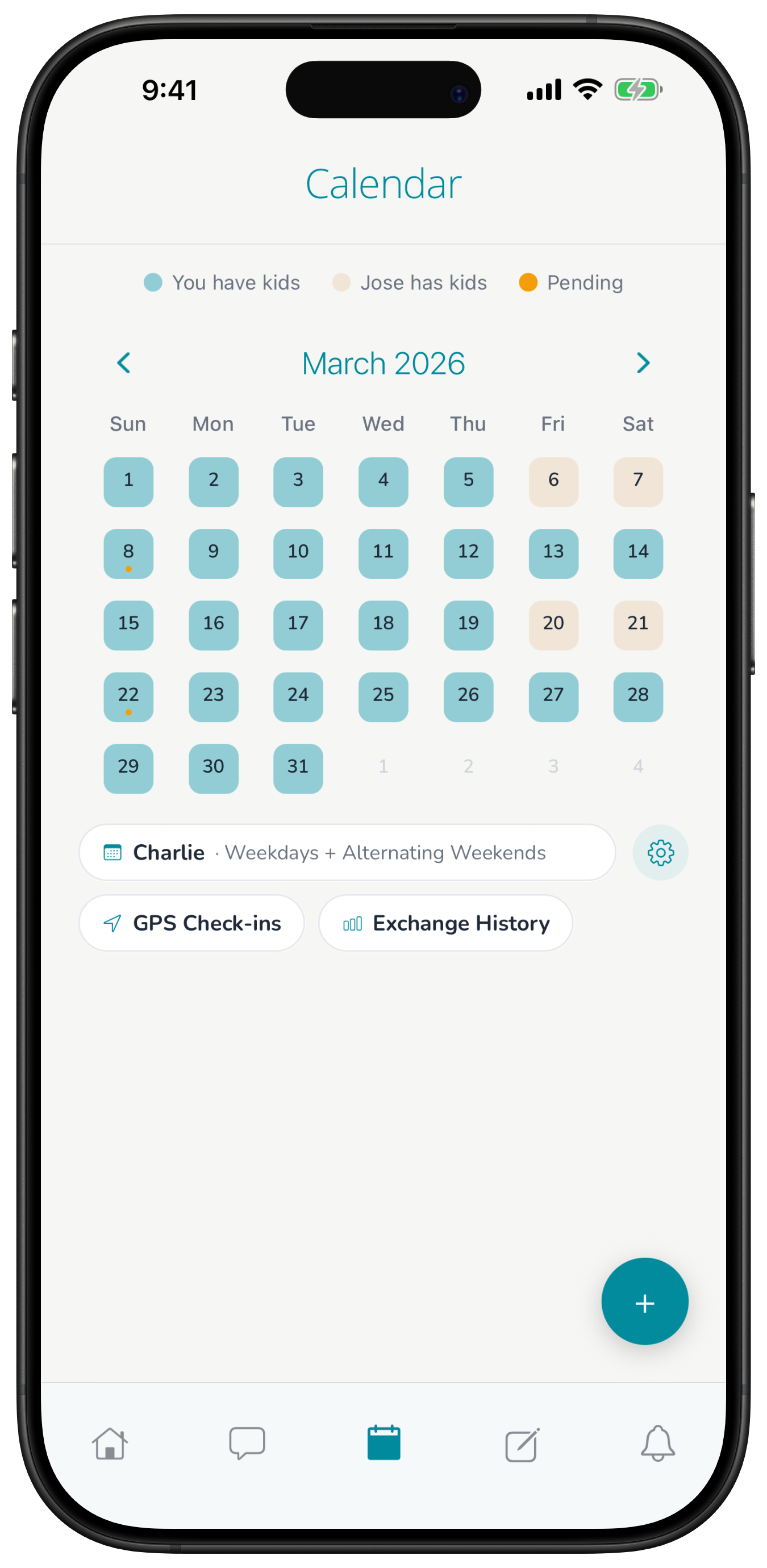
Your custody schedule lives in Harbor, but your life lives in your phone's calendar. Keeping both up to date by hand is how you end up double-booked on your weekend.
Now you can subscribe to your Harbor schedule from the calendar app you already use. Swaps and holiday changes you make in Harbor show up there automatically.
How to set it up
In Harbor, go to Settings and turn on calendar sync, then copy the link.
- Google Calendar: Settings, then Add calendar, then From URL
- Apple Calendar: File, then New Calendar Subscription
- Outlook: Add calendar, then Subscribe from web
Good to know
Your link is private. If you turn sync off, the link stops working and those calendars stop updating. Harbor keeps the schedule you use day to day, but your court order still decides parenting time.